
Per-Agent Pricing Drawbacks: What It Really Costs Your Team
Per-Agent Pricing Drawbacks: What It Really Costs Your Team ! Business owner comparing support software pricing Per-agent pricing charges you for every person who logs into your support tool, so your bill rises with headcount instead of with the value you get.

Per-agent pricing charges you for every person who logs into your support tool, so your bill rises with headcount instead of with the value you get. The drawbacks show up in four places: seats that sit idle, the add-ons and tiers that sit behind the headline price, teammates you avoid inviting, and a bill that grows faster than your ticket volume. Flat pricing with unlimited users removes all four, which is why we built SendSync that way.
TL;DR
- Per-agent pricing ties cost to the number of people with access, not to how many customers you help.
- The advertised per-seat price is rarely what you pay: the features you need often sit on a higher tier, and add-ons come on top.
- Seat fees push teams to ration access, which leads to shared logins and people who never see the conversations they should.
- Flat pricing with unlimited users makes the bill predictable. SendSync plans run from $10 to $200 per month with no per-seat fees.
- Before you sign anything, price your team at its size 12 months from now, and price the renewal year, not the promo year.
Table of Contents
- What per-agent pricing means
- Drawback 1: The bill grows with people, not with results
- Drawback 2: You pay for seats that are not working
- Drawback 3: The headline price is not the price
- Drawback 4: Seat fees make you ration access
- Drawback 5: Cost surprises at the worst moment
- How per-agent pricing compares with other models
- What to check before you choose a plan
- When you are already on a per-agent plan
- Our view on seat-based pricing
- Try flat pricing with your own mailbox
- FAQ
- Sources
What per-agent pricing means
In per-agent (or per-seat) pricing, the vendor sets a monthly price for each person who can work in the support tool. Ten agents at one price means ten times that price on your invoice. Whether those ten people handle 200 tickets or 20,000 does not change the line item.
The model is popular because it is simple to explain and easy for the vendor to forecast. For a team of one or two, it can look cheap. The trouble starts when the team changes shape, which for a small business or startup happens constantly.
Published prices give you a sense of the spread. One professional buyer’s guide puts mainstream support tools at roughly $15 to $115 or more per agent per month, depending on the tier. That is a sevenfold gap before you count a single add-on, which is why the tier you actually need matters more than the number on the pricing page.

Drawback 1: The bill grows with people, not with results
Support work is rarely done by a fixed set of full-time specialists in a small company. A founder answers tickets in the morning. An operations lead covers lunch hours. A developer jumps in when a bug report arrives. A part-time contractor handles the weekend backlog.
Under per-agent pricing, each of those people is a seat. Add a second shift, a seasonal hire or a bookkeeper who occasionally needs to see a billing thread, and the invoice goes up even though ticket volume may not have moved.
A worked example
This is an illustration with a hypothetical price, not a quote from any vendor. Suppose a tool costs $55 per agent per month on the tier with the features you need, which sits inside the range above.
| Team size | Per-agent plan at $55/seat | Per year |
|---|---|---|
| 3 agents | $165/month | $1,980 |
| 8 agents | $440/month | $5,280 |
| 15 agents | $825/month | $9,900 |
The cost per ticket may not improve as you grow, because every new person adds a fixed fee. Compare that with a flat plan: SendSync’s Growth plan is $80 per month, which is $960 per year, and it does not change when the eighth or fifteenth person joins, because there are no per-seat fees.
Drawback 2: You pay for seats that are not working
Teams grow and shrink. People go on leave, change roles or leave the company. Seasonal staff come and go. If nobody audits the seat list, those seats keep billing.
The same exposure applies to part-time and occasional users. A person who opens the inbox twice a week needs the same paid seat as someone who works it eight hours a day. Many vendors will not let you downgrade them, and annual contracts often lock the seat count until renewal.
The practical fix on a per-agent plan is a monthly seat review: export the list of users, check last login dates, and remove anyone inactive. It works, but it is administrative work that exists only because of the pricing model.
Drawback 3: The headline price is not the price
Per-agent pricing pages usually show a low entry number. Real costs tend to sit elsewhere.
Feature tiers. Automation, reporting, saved views or collaboration tools you assumed were standard may only exist on a higher tier. The buyer’s guide above advises comparing the true per-agent cost on the tier that contains your must-have features, plus any AI and automation add-ons, at the agent count you expect to reach.
Add-ons and metering. AI assistants and extra automation are often billed on top of the seat, sometimes by usage. That makes the bill harder to forecast, not easier. We covered how this plays out for buyers in our piece on avoiding AI bill shock when procuring a help desk.
Promo versus renewal. The same guide recommends pricing the renewal year, not the promotional first year. A discount that expires at month 12 turns your budget into a guess.
Total cost of ownership. Subscription fees are one line. Setup time, integrations and the hours someone spends administering the tool all cost money too. A realistic software budgeting guide makes the same point for software in general: the sticker price rarely covers the full cost of getting the tool working for your operation.
Drawback 4: Seat fees make you ration access
This is the drawback that rarely shows up in a pricing comparison, and it is the one that hurts service quality most.
When every login costs money, teams start making trade-offs. The founder keeps the seat, the part-timer does not. The developer who could answer a technical question in two minutes is not invited, so the question waits a day for someone to relay it. Two people share one login to save a seat, and now nobody knows who replied to what.
Shared inbox work depends on everyone who touches a conversation being visible in it: who owns it, who added an internal note, who replied. Account sharing erases that trail. It can also break the terms of service of the tool you are paying for.
The result is exactly the email chaos a shared inbox is supposed to remove: duplicate replies, dropped threads and no clear owner. Faster first responses depend on clear ownership, which is something we cover in our first response time benchmarks for small teams.

Drawback 5: Cost surprises at the worst moment
Per-agent plans scale linearly, which sounds predictable. In practice, growth tends to arrive in bursts: a product launch, a seasonal peak, a viral week. Those are the times you most want extra hands, and also the times when adding seats means committing to more monthly spend.
There is also the tier-forcing point. You add your sixth or tenth agent and discover the plan you are on caps something you need, so the upgrade multiplies the per-seat price for everyone, not just the new person. One small-business buying guide calls the most common mistake choosing the lowest entry price and then finding the features you need two tiers higher.
How per-agent pricing compares with other models
| Model | How you are charged | Where it gets expensive |
|---|---|---|
| Per agent (per seat) | Each named user, every month | Idle seats, part-timers, fast headcount growth |
| Per active user | Only people who log in during the period | High utilization, and a bill that moves month to month |
| Usage-based | Tickets, conversations or AI actions | Spikes in volume, hard to budget |
| Flat with unlimited users | One price per plan | Nothing scales with headcount |
Per-active-user pricing fixes the idle-seat problem but swaps it for a bill that changes every month. Usage-based pricing ties cost to volume, which is fair in principle, but it is hard to forecast when volume is uneven. Flat pricing with unlimited users is the simplest to plan around: you know the number before the month starts.
What to check before you choose a plan
Whatever tool you evaluate, run the same short exercise.
- List every person who will touch support email. Include founders, part-timers, developers and anyone who needs read access. These are your real seats.
- Project 12 months ahead. Price the team you expect to have, not the team you have today.
- Price the tier with your must-have features. Not the entry tier. Check that automation, reporting and collaboration are on it.
- Add the extras. AI features, integrations, onboarding and any overage or usage fees.
- Ask for the renewal price. A first-year discount is not the number you will live with.
- Set an upgrade trigger. Decide in advance at what team size or ticket volume you will reconsider the plan.
If your team is mostly email and uses Gmail or Microsoft 365 already, you may not need a full help desk at all. Our guide to shared inbox versus help desk software walks through when each fits, and our look at a low-cost multi-agent inbox shows what a team can expect to pay.
When you are already on a per-agent plan
Switching feels risky, so do it from an audit. Count your active users, your tickets per month and the features you actually use. Our audit-first approach to moving off a large help desk suggests running a small demo of 20 to 50 conversations before you commit. If the demo works, you have a real basis for moving, not a hunch.
Our view on seat-based pricing
We built SendSync around one idea: the number of people who help a customer should never be a billing decision.
In a small support team, roles blur. The person who knows the answer is often not the person whose job title says “support.” When each invite costs money, teams ration knowledge, and customers wait. We would rather you add the developer, the founder and the part-timer to the conversation and let the work get done.
That is why our plans have unlimited users and no per-seat fees. Founder is $10 per month, Starter is $30, Growth is $80 and Scale is $200. You connect your Gmail or Microsoft 365 mailbox, and you assign, reply and add internal notes without DNS setup. Our goal is a tool that stays out of your way, with essential automations and no heavy configuration.
Pick a plan by the size of your workload, not by the size of your org chart.
Nick
Try flat pricing with your own mailbox
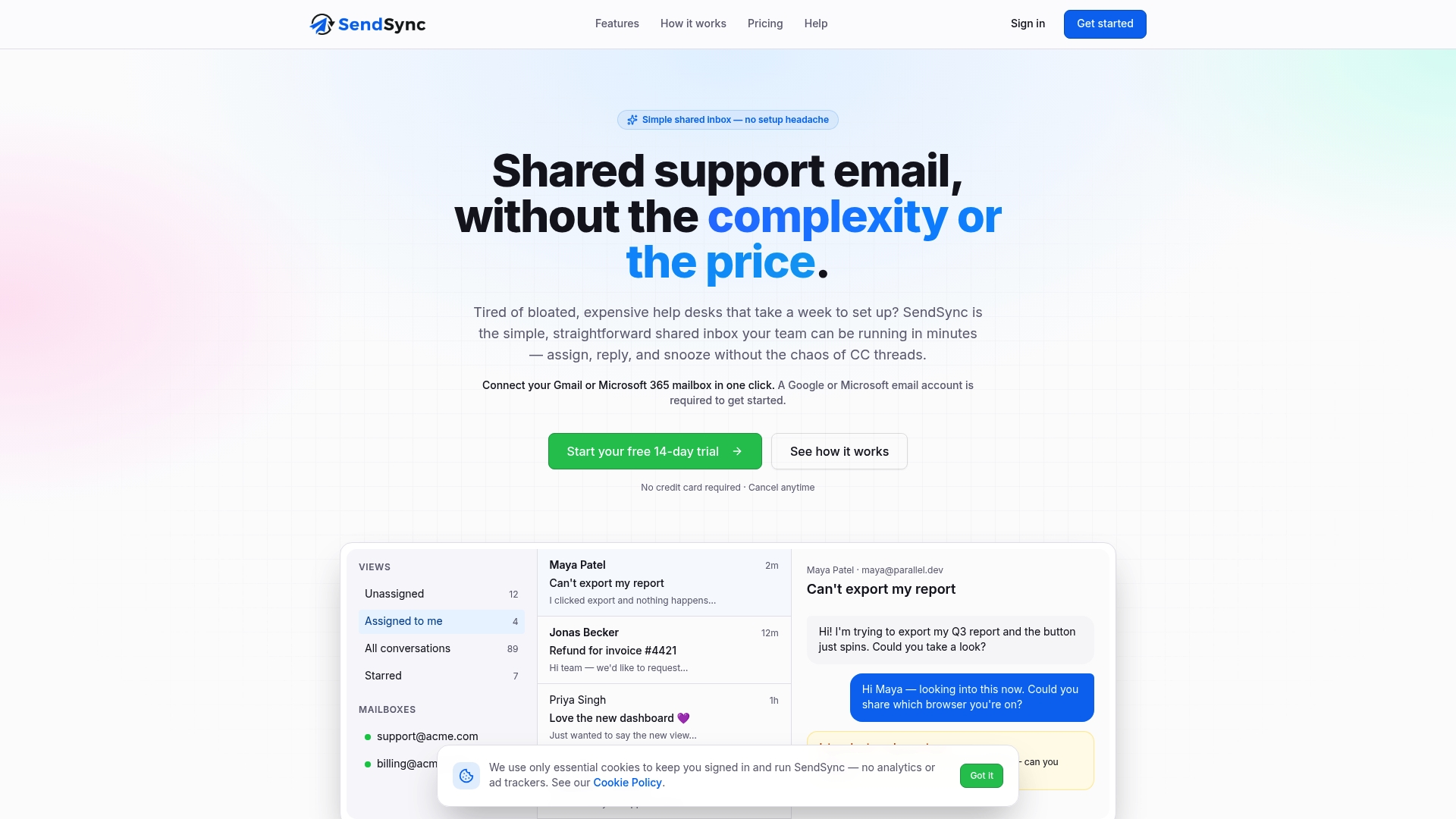
SendSync is a shared inbox for support teams that connects to Gmail or Microsoft 365. Plans start at $10 per month for Founder, then $30 for Starter, $80 for Growth and $200 for Scale, all with unlimited users. Every plan begins with a 14-day free trial, so you can set it up on your real mailbox in minutes. See the plans on SendSync.
FAQ
Is per-agent pricing always more expensive?
Not at every size. For a solo person or a pair, a per-seat plan can look inexpensive. The cost gap opens as you add part-timers, developers and seasonal staff, because each one adds a full seat fee. Model your team 12 months out before deciding.
What is the difference between per-agent and per-active-user pricing?
Per-agent pricing charges for every seat you have provisioned, used or not. Per-active-user pricing charges only for people who actually log in during the billing period. The second avoids paying for idle seats, but your monthly bill can change from one period to the next.
Why do per-seat plans lead to shared logins?
Because each login costs money, teams try to save by letting two people use one account. That hides who replied to what and removes accountability from the conversation. Unlimited-user pricing removes the reason to do it.
How do I compare support tools fairly?
Price the tier that holds your must-have features, add any AI and automation extras, multiply by the team size you expect in a year, and use the renewal price. Then compare that total to a flat plan. A six-step checklist is in the section above.
Sources
- How to Choose Customer Support Software: 9-Point Guide
- Live Chat Software Pricing Comparison 2026: Small Business
- Custom Software Cost: A Realistic Budgeting Guide