
No Per-Seat Help Desk: How Flat-Rate Pricing Works
No Per-Seat Help Desk: How Flat-Rate Pricing Works ! Shop owner compares two support pricing options A no per-seat help desk is support software that does not charge you for every person who logs in.

A no per-seat help desk is support software that does not charge you for every person who logs in. You pay one flat price for the plan, and you can add a teammate, a part-timer or a founder who jumps in on busy days without the bill moving. For small teams, startups and freelancers, that is the pricing model that keeps support software from becoming the most expensive line in the support budget. SendSync is built on it: unlimited users on every plan, from $10 per month.
TL;DR
- “No per-seat” means the price is set by the plan, not by headcount. Adding a person costs nothing extra.
- Per-seat bills grow in a straight line with your team. Flat-rate bills grow only when you move up a plan.
- Before you choose, check what the flat price covers: add-ons, usage limits, and the setup work your team has to do.
- You can estimate your real monthly bill in five minutes with the worksheet below.
- SendSync plans run $10, $30, $80 and $200 per month, with unlimited users and a 14-day free trial.
Table of Contents
- What “no per-seat” actually means
- Why per-seat pricing hurts small teams most
- A worked example: per-seat versus flat
- What flat plans can still cost you
- How to estimate your real monthly bill
- What to check before you choose a no-seat-fee tool
- Which teams gain the most
- Our perspective
- Try the flat-rate approach
- FAQ
- Sources
What “no per-seat” actually means
Most help desk tools charge per agent, also called per seat or per user. Each person who can reply to customers is a billable seat, and the monthly total is the seat price multiplied by the number of people. The model is easy for vendors to scale and easy for buyers to understand, which is why it became the default.
A no per-seat help desk breaks that link between headcount and price. In practice, the phrase covers a few different arrangements, and it is worth knowing which one you are looking at:
- Flat-rate with unlimited users. One price per plan. Everyone on your team can use it. The plan tier changes with the features and capacity you need, not with the number of people.
- Per-ticket or per-resolution pricing. You pay for the volume of work handled. Seats are free, but your bill moves with how many customers write in.
- Usage or consumption pricing. You pay for add-ons such as automation runs or AI actions, often on top of a base plan.
- Hybrid models. A base fee plus some usage component. Many vendors combine two or three of these.
For a team that wants a predictable bill, the first is the cleanest. A per-ticket model can feel cheap in a quiet month and surprising in a launch month. A flat plan gives you a number you can put in a budget before the month starts. For a broader look at how these structures differ, this write-up on common pricing structures and how per-seat differs from ticket-based pricing is a useful frame.
Why per-seat pricing hurts small teams most
Big companies absorb per-seat fees as a cost of doing business. Small teams feel them differently, for three reasons.
Support is rarely one person’s full-time job. In a ten-person company, support is often shared. The founder answers pricing questions, a developer looks at bug reports, someone in finance handles billing emails. Under per-seat pricing, every one of those occasional helpers is a full seat, even if they reply to six emails a month.
Seats get rationed. When each seat has a price, teams start deciding who is “worth” one. The result is a shared login, a forwarded email chain, or a teammate who never gets access and answers from a personal inbox. That is exactly the email chaos a shared inbox is meant to remove. Customers get slower answers and nobody can see who replied to what.
The bill scales with success. Hiring your fourth support person should feel like progress. Under per-seat pricing it also raises your software cost by 33% over three agents, before you have seen any improvement in customer satisfaction.
This is why remote teams and startups search for this model specifically. Their support work is spread across people and time zones, and headcount changes quickly.

A worked example: per-seat versus flat
Here is a simple illustration. It uses a hypothetical per-seat price of $50 per agent per month, which is a round number chosen for easy arithmetic, not any vendor’s list price. Replace it with the price from a quote you are weighing.
| Team size | Per-seat at $50 per agent | Flat plan (SendSync Growth, $80 per month) |
|---|---|---|
| 2 people | $100 | $80 |
| 5 people | $250 | $80 |
| 8 people | $400 | $80 |
| 15 people | $750 | $80 |
The gap is not just the sticker difference. It is the shape of the line. The per-seat column climbs with every hire. The flat column stays put until you outgrow the plan’s features, at which point you move to the next tier, not to a new multiplier.
The same logic applies at the low end. A solo founder paying $10 per month on the Founder plan has room to add a co-founder, a contractor and a part-time helper without changing anything.
What flat plans can still cost you
A flat price is only as good as what it covers. Before you commit to any plan, whatever the vendor, walk through these cost points.
Plan limits other than seats
Some plans are “unlimited users” but cap something else: mailboxes, saved automations, history, or reporting. A cap you hit in month four is a tier upgrade you did not budget for. Look at the plan table for every limit, not only the user line.
Add-ons priced per agent
This is the most common way per-seat pricing returns through the back door. A base plan is flat, then AI features, advanced reporting or extra channels are priced per agent or per usage. Ask what is in the plan and what is billed separately, then add the add-ons you would actually use to your estimate.
Setup and configuration time
Software cost is not only the subscription. A tool that needs DNS changes, custom domain verification, a long configuration project or a consultant has a labor cost that lands in the first weeks. Teams without an IT person feel this most. A tool that connects to the mailbox you already use is cheaper to start, because the work is measured in minutes.
The move between tiers
Tiers should rise with the work you do, not with headcount. Check what pushes you from one plan to the next. If the answer is “more features and higher volume,” that is a fair trade. If the answer is “more people,” it is per-seat pricing wearing a different label.
Billing terms
Look at the billing period and the length of the commitment. Monthly plans let you leave when your needs change. Multi-year billing can lower the monthly rate, but only choose it once you have used the product through a full trial.
How to estimate your real monthly bill
Do this before you compare vendors. It takes five minutes and makes every quote easier to read.
- Count everyone who will touch a customer email. Include the founder, the part-timers, the developer who answers bug reports, and the person you plan to hire in the next twelve months. This is the number per-seat pricing multiplies.
- Estimate your monthly email volume. Look at your inbox for the last three months and take the busiest. Per-ticket plans respond to this number.
- List the features you need on day one. For most small teams this is a shared inbox, assignment, internal notes, tags, saved views and a few triage rules. Do not pay for a tier built around features you will not use this year.
- List the add-ons you would turn on. Automation, AI, reporting, extra channels. Find the price for each in the vendor’s own pricing page.
- Price three scenarios: today’s team, the team you expect in twelve months, and a busy month. A flat plan should look the same in all three. A per-seat or per-ticket plan will show you how fast it moves.
- Add setup time. Multiply the hours a tool needs for setup by what an hour of your team’s time is worth. A quick connection to your existing mailbox keeps this near zero.
If your worst-case scenario still fits in one plan, you have a predictable bill. That is what you were looking for when you typed “no per seat help desk.”
What to check before you choose a no-seat-fee tool
Price is the starting question, not the only one. Run through this list with any option.
- Does it fit how you already work? If your team lives in Gmail or Microsoft 365, a tool that connects to those mailboxes means no migration of how people write and read email.
- Can everyone really use it? Confirm that unlimited users means unlimited, including occasional helpers.
- Are the core workflow tools included? Assignment, internal notes, tagging, saved views and triage automation are what turn a shared mailbox into a calm workflow.
- Can you see how the team is doing? A metrics dashboard that shows response times and workload tells you when to move up a plan, and when you are fine where you are.
- How long until the first customer reply goes out? If the honest answer is days of setup, count the cost.
- What does the trial let you do? A trial that covers real mailboxes and real teammates shows you more than a demo.
If you are still deciding between a lightweight shared inbox and a full ticketing system, our guide to shared inbox versus helpdesk software walks through the difference. For a small team that wants to be running quickly, the simple help desk approach lays out a setup that does not need a project plan.
Which teams gain the most
Freelancers and solo founders. One person today, but clients and collaborators come and go. A flat low-cost plan lets you bring a virtual assistant or a partner into the inbox without a new line item.
Startups. Headcount changes every quarter and support is shared across roles. Flat pricing means the finance conversation about support software happens once.
Remote teams. When people work in different time zones, coverage matters more than seat count. Everyone can see the same conversation, which is the point of a shared inbox. Our support workflow guide for small teams covers how to divide the work, and the virtual team productivity checklist helps remote groups keep it consistent.
Small businesses with a growing inbox. A shop or services firm with a support@ address that has become unmanageable does not need an enterprise suite. It needs assignment, notes and a clear view of what is waiting. The low-cost multi-agent inbox guide goes deeper on that setup.
Our perspective
We built SendSync around a simple belief: the number of people who help a customer should not decide what you pay. Support is a team sport in small companies, and a price per head quietly punishes teams for being collaborative.
That is why every plan has unlimited users and no per-seat fees. The four plans, Founder at $10 per month, Starter at $30, Growth at $80 and Scale at $200, are separated by what the team needs, not by how many people are on it.
We also think software should not need a project to start. You connect your Gmail or Microsoft 365 mailbox and the shared inbox is live in minutes, with no DNS changes. Then your team can assign, reply and keep internal notes in one place, with tagging, saved views and triage automation to keep the inbox calm.
If you are comparing options, start with the worksheet above. We expect that for most small teams, a flat price that does not move with headcount is the one that makes the budget easy to hold.
Nick
Try the flat-rate approach
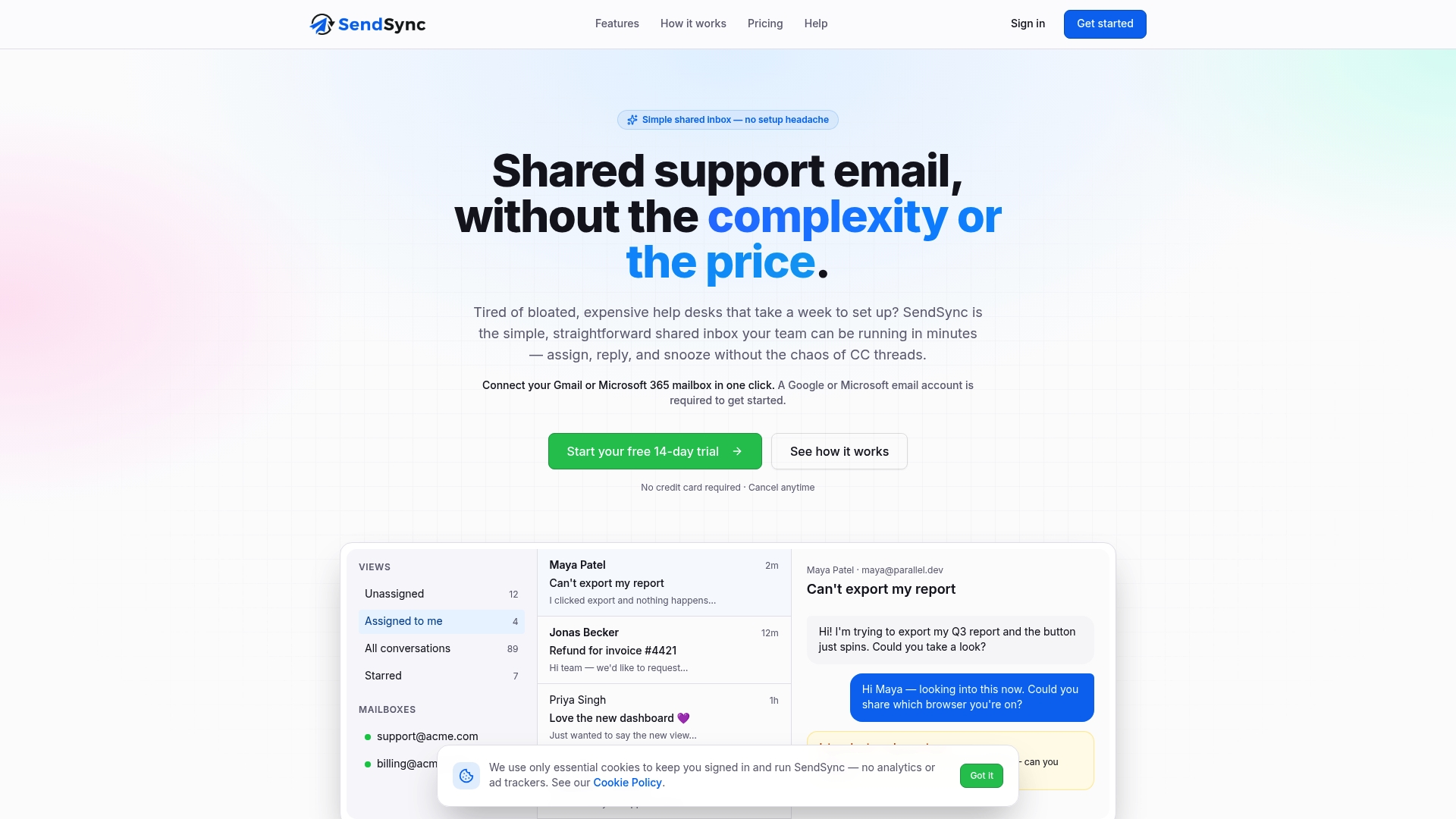
SendSync is a shared inbox for support teams that connects to your Gmail or Microsoft 365 mailbox, with unlimited users and no per-seat fees. Plans start at $10 per month on Founder, and go to $30 on Starter, $80 on Growth and $200 on Scale. Every account begins with a 14-day free trial, so you can bring your whole team in and see how the inbox works with your own email.
See SendSync plans and start your free trial
If you want to see how the numbers compare against traditional per-agent tools, our article on avoiding AI bill shock shows the math, and the guide on cutting help desk costs covers five levers that reduce spending.

FAQ
Is there a help desk with no per-seat pricing?
Yes. Some tools charge a flat price per plan with unlimited users, and others charge by ticket volume or usage. SendSync uses flat plans with unlimited users, so adding a teammate does not change your bill.
How much does a no-seat-fee help desk cost?
Flat plans vary by tier and the features inside each. SendSync publishes four plans: Founder at $10 per month, Starter at $30, Growth at $80 and Scale at $200. Each begins with a 14-day free trial.
Is flat-rate pricing cheaper than per-seat pricing?
For a team of more than a few people, usually yes, because the price does not multiply with headcount. The way to know is to price your own team today, in a year and in a busy month, then compare each total. Our worksheet above walks through it.
What should I check besides the price?
Check what each plan limits other than users, which add-ons cost extra, how long setup takes and whether the tool works with the mailbox your team already uses. Also confirm the workflow basics are included: assignment, internal notes, tags and saved views.
Can a solo founder or freelancer use a shared inbox?
Yes. A shared inbox keeps client email organized for one person and lets you add a collaborator later without a pricing change. Founder at $10 per month is the entry plan for that situation.