
How to Set Up a Startup Support Inbox That Works
How to Set Up a Startup Support Inbox That Works ! Woman organizing startup support inbox at desk A startup support inbox is a dedicated email channel, such as support@yourdomain.

A startup support inbox is a dedicated email channel, such as support@yourdomain.com, that routes all customer communications to a single shared space your team can manage together. The industry term for this setup is a shared inbox, and getting it right from day one separates founders who scale support cleanly from those who spend months untangling email chaos. Transitioning from a personal inbox to a dedicated support address is the first critical step for any startup. When you set up a startup support inbox correctly, you reduce duplicated work, speed up response times, and turn every customer message into a feedback signal your product team can act on.
What do startups need to set up a support inbox?
The foundation is a dedicated support email address tied to your own domain. Using a generic Gmail address like yourname@gmail.com signals to customers that support is an afterthought. A domain-based address, support@yourcompany.com, builds credibility and makes it possible to add teammates without sharing personal credentials.
Beyond the address, you need two technical configurations before anything else: SPF and DKIM records. SPF (Sender Policy Framework) tells receiving mail servers which servers are allowed to send on your domain’s behalf. DKIM (DomainKeys Identified Mail) adds a cryptographic signature to outgoing mail. Both prevent your support emails from landing in spam and protect your domain reputation.

For tooling, startups face a real choice between a shared inbox vs helpdesk software. The table below breaks down the key differences by feature category.
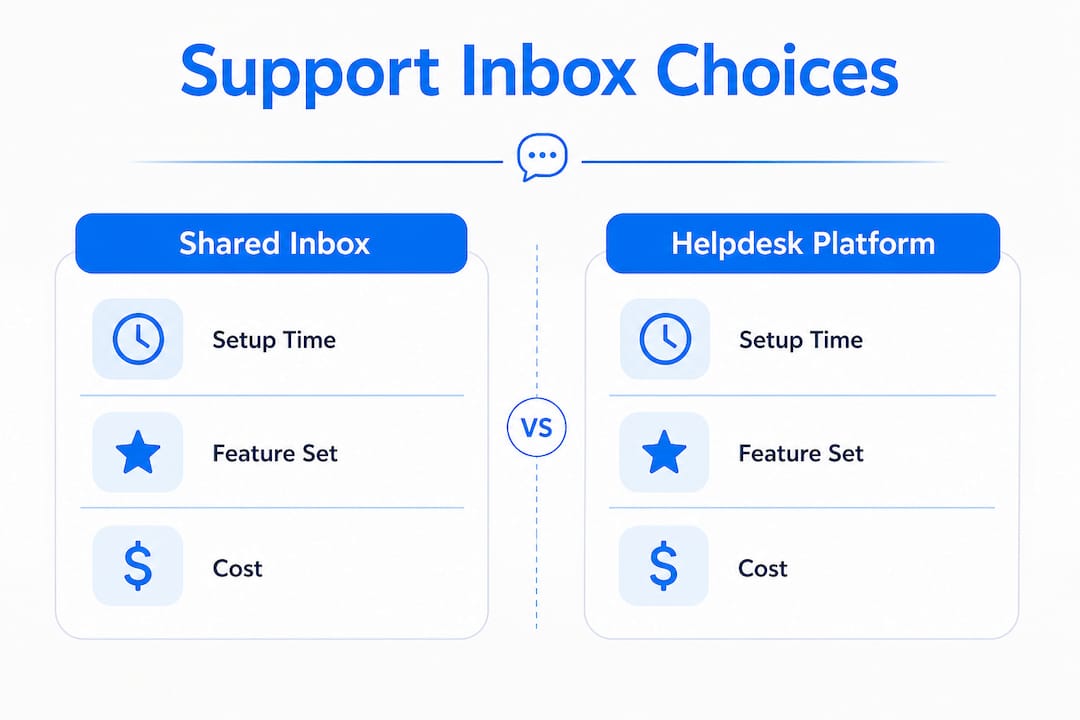
Feature category | Simple shared inbox | Full helpdesk platform |
|---|---|---|
Setup time | Minutes | Hours to days |
Per-seat cost | Low or none | Often per-agent pricing |
Ticket routing | Manual or rule-based | Automated workflows |
Reporting | Basic | Advanced analytics |
Best for | Seed to Series A | Post-product-market fit |
Assign one person as inbox owner from day one. This person sets the triage rules, monitors response times, and flags recurring issues to the product team. Without a named owner, the inbox becomes everyone’s responsibility and no one’s priority.
Pro Tip: Connect your support address to a shared inbox tool before you send your first customer email. Retrofitting a shared inbox after hundreds of messages have landed in a personal account is far more painful than setting it up at the start.
How do you implement shared inbox workflows for a startup?
The rotation model is the most effective workflow for early-stage teams. One engineer or founder handles the inbox for a full week, then hands off to the next person. This approach distributes the workload fairly and keeps your technical team connected to real customer problems. A weekly rotation assigns one person per week to manage the shared inbox, with a target of first response within one working day.
Here is a practical workflow to implement from week one:
Create triage labels. Use categories like “bug,” “billing,” “feature request,” and “general question” to sort every incoming ticket immediately. This takes seconds per ticket and pays off enormously when you review patterns later.
Write saved replies for your top five issues. Founders should write and personalize saved replies covering the top five common support issues, which typically account for about 80% of tickets. Saved replies cut response time dramatically without making customers feel ignored.
Personalize every reply. Reference the customer’s specific situation in every response. Customers detect generic, copy-paste replies instantly, and personalization is a competitive advantage that automated bots cannot replicate easily at this stage.
Define your SLA honestly. Set measured SLAs based on worst-case scenarios rather than best-case. Promising a reply within one working day and delivering it builds more trust than promising two hours and missing it.
Run a weekly ticket review. Spend 20 minutes every Friday reviewing the week’s tickets. Look for questions that appeared more than twice. Those are your next FAQ entries or product fixes.
Pro Tip: When writing saved replies, draft them as if you are writing to a friend who just asked you a question. Then remove anything that sounds like a form letter. That edit alone lifts reply quality noticeably.
The best practices for shared inboxes consistently point to one truth: a well-run rotation with honest SLAs outperforms a complex ticketing system with no clear ownership.
How do you set up automated support features without breaking things?
Automation belongs in your support stack, but only after you have clean, human-verified data to train it on. Startups do not need enterprise-grade ticketing tools on day one. Lean systems focusing on ticket categorization by intent are the right starting point.
The correct order of operations looks like this:
Build a knowledge base first. Write answers to your top 10 questions before you automate anything. Successful support automation requires clean, well-maintained knowledge bases for AI to learn from. Without this foundation, automation can propagate misinformation to customers.
Auto-answer only low-risk FAQs. Password resets, shipping status, and plan details are safe to automate. Billing disputes, complaints, and sensitive account issues need a human review every time.
Set up routing rules. Route tickets tagged “billing” to your finance contact and tickets tagged “bug” to your engineering rotation. This is triage automation at its simplest and most effective.
Test before you launch. Run your automation on a sample of 20 to 30 historical tickets before going live. Check whether the routing logic matches what a human would have done.
Document everything within 48 hours. Documenting workflows, triage rules, and escalation logic within the first 48 hours creates a repeatable support process and prevents chaos when team members rotate.
A well-planned setup with a shared inbox, a knowledge base, and an AI helpdesk layer can handle 40–60% of common FAQs automatically. That means your team spends its time on the complex, high-value conversations that actually require human judgment.
The goal is not to automate everything. The goal is to automate the repetitive work so your team can focus on the conversations that build customer loyalty.
What are the most common mistakes in startup support inbox setup?
Most early-stage support failures trace back to a small set of avoidable mistakes. Recognizing them before they happen saves weeks of cleanup.
Mixing personal and support emails. When support messages land in a founder’s personal inbox, they get buried under investor updates and Slack notifications. A dedicated address is non-negotiable from day one.
Scaling too early. Hiring customer support too early wastes resources. Wait until you have 200–300 customers and a clear picture of recurring ticket patterns before adding headcount. Build templates and a knowledge base first.
Over-promising on response times. An SLA you cannot keep is worse than no SLA at all. Customers who expect a two-hour reply and wait eight hours are angrier than customers who expected a one-day reply and got it in four hours.
Using generic saved replies without editing them. A saved reply is a starting point, not a finished answer. Every reply needs at least one sentence that references the customer’s specific question or account detail.
Ignoring inbox metrics. Track your average first response time and your ticket volume by category every week. If billing questions spike in a given week, something changed in your product or pricing. Metrics tell you where to look.
Pro Tip: Set a calendar reminder for your weekly ticket review before you receive your first support email. Building the habit before the volume arrives is far easier than trying to start the habit when you are already buried.
The inbox organization strategies that work long-term are the ones you build before you need them, not after.
Key Takeaways
A shared inbox with a rotation model, honest SLAs, and a clean knowledge base is the most effective startup support setup before you reach product-market fit.
Point | Details |
|---|---|
Start with a dedicated address | Use support@yourdomain.com with SPF and DKIM configured before your first customer email. |
Use a rotation model | Assign one team member per week to own the inbox and respond within one working day. |
Write saved replies early | Cover your top five issues with personalized templates to handle about 80% of ticket volume. |
Automate only after clean data | Build a verified knowledge base before adding any automation or AI routing layer. |
Track metrics weekly | Review ticket volume by category every week to catch recurring issues before they compound. |
Why simple beats complex for startup support
My honest opinion, after watching dozens of early-stage teams set up support from scratch, is that founders consistently overestimate how much tooling they need and underestimate how much process they need.
I have seen teams spend two weeks configuring enterprise helpdesk platforms with custom workflows, SLA escalation trees, and AI routing before they had 50 customers. The result was always the same: the tool worked, but no one understood it well enough to use it consistently. The rotation broke down. Tickets fell through the cracks. Customers noticed.
The teams that got it right did something much simpler. They picked a shared inbox tool, wrote five saved replies, set a one-day SLA, and put one engineer on rotation. That setup handled the first 300 customers without a single missed ticket. More importantly, the engineers on rotation started noticing patterns. A confusing onboarding step. A billing page that generated the same question every week. Those insights went straight into the product backlog.
Lean, repeatable support setups focusing on shared inbox, rotation, and realistic SLAs perform better for startups than complex enterprise solutions at this stage. The reason is not that simple tools are better. The reason is that simple tools get used, and used consistently, which is the only thing that actually matters.
Treat your support inbox as a product feedback channel, not a cost center. The customers who email you in your first year are telling you exactly what to build next. Stay close to those conversations for as long as you possibly can.
— Nick
Sendsync makes startup support setup fast
Getting a shared inbox running should take minutes, not days. Sendsync connects directly to Gmail or Microsoft 365 without DNS configuration headaches, so your team can start assigning, replying, and tracking conversations from the moment you sign up.

Sendsync is built for the exact workflow described in this article: rotation-based assignment, conversation history visible to the whole team, and status tracking that prevents tickets from going unanswered. There are no per-seat fees, which means adding your entire team costs the same as adding one person. For founders who want to build smarter team communication without the overhead of a full helpdesk platform, Sendsync is the practical starting point. Visit Sendsync to see how quickly you can get your support inbox running.
FAQ
What is a startup support inbox?
A startup support inbox is a dedicated shared email channel, typically support@yourdomain.com, where all customer communications are received and managed by the team collectively rather than by one individual.
How do you set up a shared inbox for a startup?
Create a domain-based support email address, configure SPF and DKIM records, connect the address to a shared inbox tool, and assign one team member as inbox owner to manage triage and response.
When should a startup hire a dedicated support person?
Wait until you have 200–300 customers and a clear pattern of recurring ticket types before hiring. Build saved reply templates and a knowledge base first to make any future hire immediately effective.
How do you write a good support SLA for a startup?
Base your SLA on your worst-case response time, not your best-case. Promising a reply within one working day and consistently delivering it builds more customer trust than promising faster and missing the target.
How much of support volume can automation handle?
A shared inbox paired with a knowledge base and a basic AI layer can handle 40–60% of common FAQ tickets automatically, leaving your team free to focus on complex or sensitive customer conversations.