
What Is a Support Inbox Audit? A Manager's Guide
What Is a Support Inbox Audit? A Manager's Guide !

A support inbox audit is a systematic review of your customer support inbox operations, designed to identify efficiency gaps, routing failures, and communication breakdowns before they damage customer satisfaction. Known formally as a support communication analysis or inbox operations review, this process gives support managers a clear picture of what is actually happening inside their team’s inbox, not just what the volume numbers suggest. The five core areas every audit must cover are coverage, routing, response speed, hygiene, and learning loop. Skipping any one of them leaves blind spots that compound over time.
What is a support inbox audit and what does it evaluate?
A support inbox audit evaluates five distinct operational areas, each tied to a specific failure mode that slows teams down. Understanding each component helps you ask the right questions during any inbox review, whether manual or automated.
Component | What it measures | Key question |
|---|---|---|
Coverage | Who owns the inbox and when | Are all shifts and leave periods accounted for? |
Routing | Accuracy of message distribution | Do messages reach the right queue or agent? |
Response speed | SLA adherence for first replies | Are response time targets being met consistently? |
Inbox hygiene | Status management of conversations | Are resolved tickets archived, snoozed, or left open? |
Learning loop | Use of audit insights to update workflows | Do findings actually change templates and documentation? |

Coverage failures are the most common starting point. A ticket sits unanswered not because agents are slow, but because no one was assigned to own that time window. Routing errors compound the problem by sending billing questions to the technical queue and vice versa. Response speed metrics only tell you how bad things got. They rarely tell you why.
Inbox hygiene is the component most managers underestimate. An inbox cluttered with open tickets that were resolved verbally but never updated creates false urgency and misleads any reporting tool you run. The learning loop is the component most managers skip entirely. Audit insights must directly update product documentation, internal workflows, and response templates, or the audit produces no lasting change.
Pro Tip: Before your first audit, tag 10 open tickets by failure type: coverage gap, routing error, slow reply, hygiene issue, or missing documentation. That 10-minute exercise will tell you which component to audit most deeply.
How can you effectively conduct a support inbox audit?
Two methods exist for running a support ticket audit: manual review and automated scanning. Each has a distinct use case, and the best teams use both.
Manual audit method
A manual audit evaluates 20 recent support conversations for ownership clarity, response quality, and resolution history. The full review takes 30–60 minutes. That focused sample is large enough to surface patterns but small enough to complete without disrupting the team’s day.
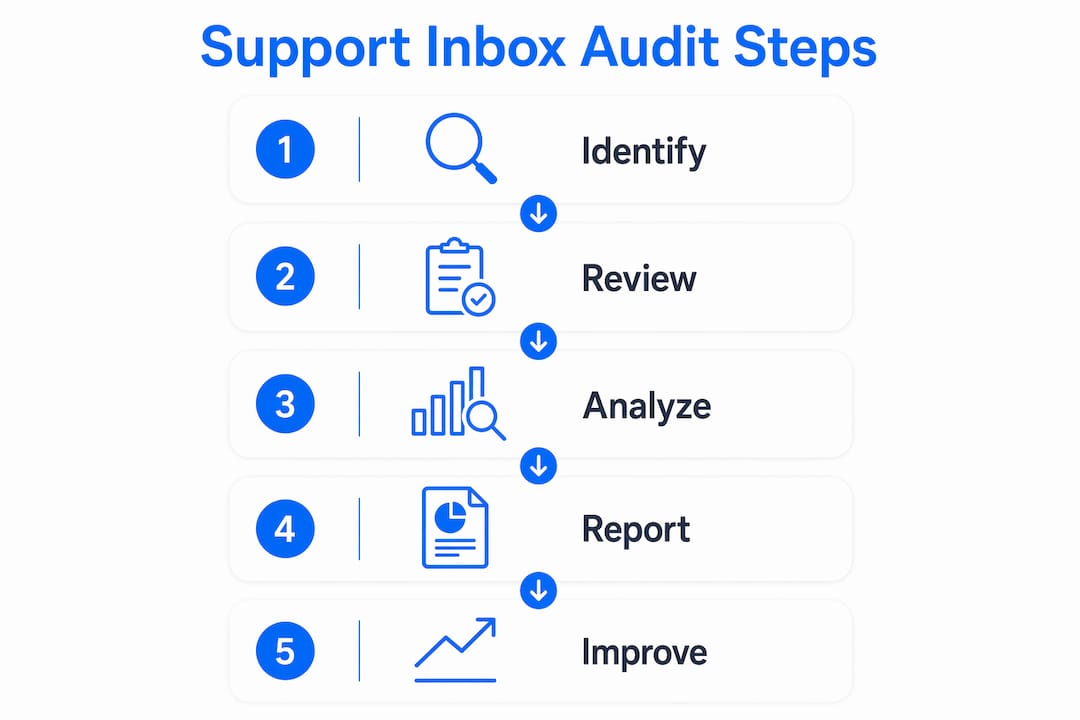
Run a manual audit in five steps:
Pull the 20 most recent closed tickets from your inbox.
Check each ticket for a named owner. Flag any ticket where ownership was unclear or changed hands without a note.
Measure first reply time against your SLA target. Note every miss.
Read the final resolution message. Confirm the customer’s issue was actually solved, not just closed.
Record every pattern you find, routing errors, missing templates, unanswered follow-ups, in a shared document.
The manual method gives you qualitative depth. You can read tone, spot a confused handoff, and catch a template that sounds dismissive. No automated tool replaces that judgment.
Automated audit method
Automated tools scan the last 50 support conversations in about two minutes to surface hidden bugs, duplicate tickets, and recurring feature requests. That speed makes automated scanning ideal for weekly or biweekly checks, where a full manual review would be impractical.
The tradeoff is depth. Automated scans excel at pattern detection across volume. They miss nuance in individual conversations. Use automated scanning to identify which areas need a deeper manual review, not to replace it.
Method | Time required | Sample size | Best for |
|---|---|---|---|
Manual review | 30–60 minutes | 20 conversations | Qualitative depth, tone, ownership clarity |
Automated scan | ~2 minutes | 50 conversations | Pattern detection, volume trends, recurring issues |
Pro Tip: Schedule your manual audit on the same day each month. Consistency matters more than perfection. A 45-minute review done monthly beats a comprehensive audit done once a year.
For teams managing scalable inbox workflows, combining both methods creates a feedback cycle that catches issues at two different levels of resolution.
What common pitfalls should you avoid when auditing your support inbox?
The most expensive audit mistake is treating the inbox as a communication channel problem when the real failure lives in the workflow underneath it. Customer support can look polished on the surface while the underlying routing rules, ownership assignments, and escalation paths are broken. Auditing the surface fixes nothing.
Four pitfalls appear repeatedly in support inbox reviews:
Focusing on volume over patterns. Ticket count tells you how busy the team is. It does not tell you why the same question keeps arriving, why tickets bounce between agents, or why knowledge stays siloed in one person’s head. Meaningful audits uncover why issues bounce between agents, not just how many tickets closed.
Skipping the decision audit trail. Every out-of-policy decision, a refund approved without authorization, a ticket escalated without documentation, needs a record. An audit trail logs the requester, approver, reason, and timestamp for every exception. Without it, patterns stay invisible and accountability disappears.
Omitting the reason field. The reason field is the most commonly skipped element in decision audit trails. Without a reason, you cannot analyze why exceptions happened or whether they were justified.
Adding tools before fixing process. Automating inbox workflows without stabilizing routing and ownership first only moves broken processes faster. New tools amplify whatever system exists. If that system is flawed, automation makes the flaw harder to see and harder to fix.
“Audit helps avoid layering new tools on broken workflows by identifying whether problems lie in process, CRM structure, or automation.” — Consultevo
Team inbox visibility is the structural condition that makes all four pitfalls avoidable. When every agent can see who owns what and when, accountability becomes automatic rather than enforced.
How to apply support inbox audit findings to improve team efficiency
Findings without deadlines are just observations. The value of a support inbox review comes entirely from what changes after the audit ends.
Follow this sequence to turn audit results into real operational improvements:
Rank findings by impact. Routing rule failures and missing templates affect every ticket. Fix those first. Cosmetic issues like inconsistent sign-off language can wait.
Assign an owner and a deadline to each fix. A finding without an owner does not get fixed. Set a two-week window for high-impact changes and a four-week window for structural updates.
Update your templates and documentation immediately. The learning loop works only when audit insights directly update the materials agents use daily. A template rewrite based on audit findings takes 20 minutes and prevents dozens of future errors.
Schedule a follow-up audit. Book the next review before you close the current one. Recurring audits function as operational rituals, not one-time cleanup efforts. Teams that audit quarterly outperform teams that audit reactively.
Track SLA adherence before and after each fix. Connecting audit changes to measurable SLA outcomes builds the business case for continued investment in the process.
Pro Tip: Create a shared “audit log” document where every finding, owner, deadline, and resolution is recorded. After three audit cycles, that document becomes your team’s most accurate picture of recurring failure points.
Effective email assignment practices reinforce audit-driven routing improvements. When agents know exactly how to hand off a ticket with context intact, the routing failures your audit identified stay fixed.
Key Takeaways
A support inbox audit produces lasting improvements only when it covers all five operational components and feeds findings directly back into team workflows and documentation.
Point | Details |
|---|---|
Five core components | Every audit must assess coverage, routing, response speed, hygiene, and the learning loop. |
Manual plus automated | Combine a 30–60 minute manual review with automated scanning for both depth and pattern detection. |
Avoid the volume trap | Focus on qualitative patterns and root causes, not ticket counts, to drive real process change. |
Decision audit trail | Log every out-of-policy exception with requester, approver, reason, and timestamp for accountability. |
Recurring cadence | Schedule audits as a regular operational ritual, not a one-time fix, to maintain continuous improvement. |
Why I think most support teams are auditing the wrong thing
Support managers tend to audit what is easy to measure: ticket volume, average reply time, CSAT scores. Those numbers are real, but they describe symptoms. They rarely explain causes.
The teams I have seen improve most dramatically are the ones that shift their audit focus from “how many” to “why this keeps happening.” When you read 20 tickets looking for the pattern behind the pattern, you find things no dashboard will show you. A routing rule that made sense six months ago but now sends 30% of tickets to the wrong queue. A template that technically answers the question but consistently triggers a follow-up because the tone is wrong. A coverage gap every Tuesday afternoon that nobody noticed because the volume numbers looked fine.
The other thing I have learned is that technology does not fix an audit problem. It reveals one. Teams that rush to add new tools before their routing and ownership processes are stable end up with faster broken workflows. The audit has to come first. The tool comes after, to support a process that already works.
Recurring audits are the habit that separates teams that improve from teams that manage. A 45-minute monthly review, done consistently, compounds. After six months, your templates are tighter, your routing is cleaner, and your agents spend less time on confusion and more time on resolution. That is the actual return on a support inbox audit.
— Nick
How Sendsync supports your inbox audit process
Running a support inbox audit requires visibility into who owns what, when tickets moved, and how conversations were handled. Sendsync gives support teams exactly that kind of operational clarity from day one.
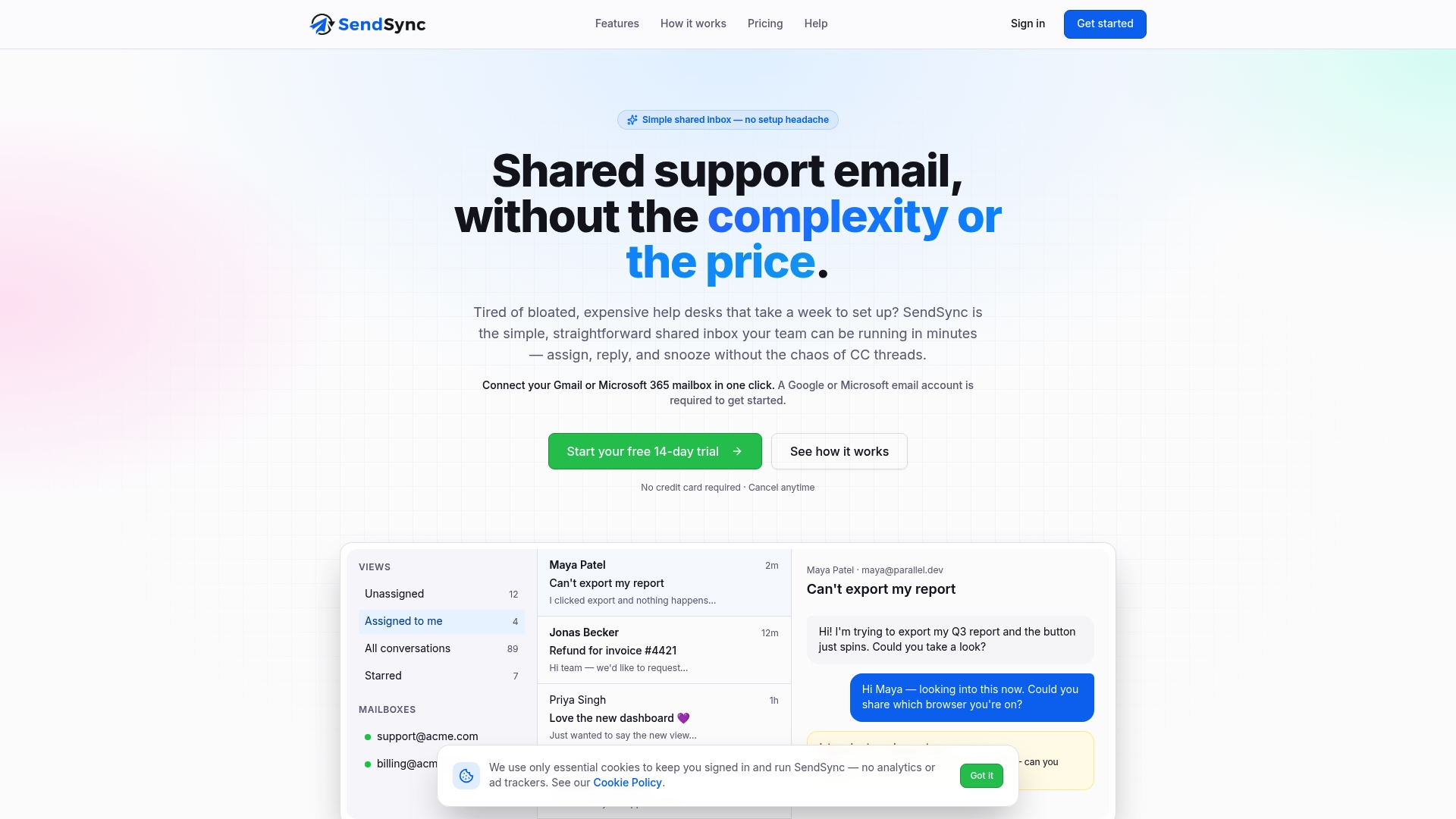
Sendsync connects directly to Gmail or Microsoft 365 without DNS configuration or lengthy setup. Teams can assign conversations, track ownership, and manage ticket status inside a shared inbox built for support teams. The platform’s assignment and collaboration features reinforce the routing and coverage improvements your audit identifies. With unlimited users and no per-seat fees, Sendsync fits teams of any size without adding cost pressure. If your audit findings point to ownership gaps and routing confusion, Sendsync is where those fixes live in practice.
FAQ
What is a support inbox audit?
A support inbox audit is a structured review of your customer support inbox operations that evaluates coverage, routing, response speed, hygiene, and the learning loop to identify efficiency gaps and process failures.
How often should you run a support inbox audit?
Monthly audits work best for most teams. Recurring audits function as operational rituals that maintain workflow clarity, while one-time audits only address surface issues without driving continuous improvement.
What is the difference between a manual and automated inbox audit?
A manual audit reviews 20 recent conversations in 30–60 minutes for qualitative depth, while an automated scan analyzes 50 conversations in about two minutes to detect volume patterns and recurring issues.
What is ticket auditing in customer support?
Ticket auditing is the review of individual support tickets to assess ownership clarity, response quality, resolution accuracy, and SLA adherence, forming the core activity of any support inbox review.
Why do support inbox audits fail to produce improvements?
Audits fail when managers focus on volume metrics instead of qualitative patterns, skip the decision audit trail, or add new tools before stabilizing routing and ownership processes.