
Why Small Teams Need a Shared Inbox in 2026
Why Small Teams Need a Shared Inbox in 2026 ! Small team collaborating around shared inbox laptop A shared inbox is defined as a single email address that multiple team members can access, manage, and respond to together, replacing the chaos of siloed individual inboxes.

A shared inbox is defined as a single email address that multiple team members can access, manage, and respond to together, replacing the chaos of siloed individual inboxes. For small teams, this setup is not a luxury. It is the difference between a customer getting a fast, clear answer and receiving two conflicting replies or none at all. Understanding why small teams need shared inbox tools means understanding how most small team communication actually breaks down, and what fixes it.
Why small teams need a shared inbox: the core problem
Small teams run lean. Every person wears multiple hats, and customer emails land in personal inboxes where no one else can see them. Shared inbox software lets multiple team members access, manage, and respond to emails from a single address in a unified inbox, rather than one person managing everything alone. That shift alone removes the single biggest communication bottleneck most small teams face.
The problem compounds fast. When three people share a support@ address by simply forwarding emails to their personal accounts, you get duplicate replies, missed follow-ups, and zero accountability. No one knows who owns which conversation. A shared inbox solves this by making every message visible to the whole team, with clear assignment and status tracking built in.

Tools like Sendsync and Spark Mail are built specifically for this model. They give small teams the structure of a help desk without the complexity of enterprise software. The result is faster responses, less internal confusion, and customers who feel like they are talking to a team that has its act together.
How does a shared inbox improve team communication?
The most direct benefit of a shared inbox is consolidation. Unified inbox platforms pull customer messages from email, social media, and live chat into one place, so agents can see the full conversation history and avoid creating duplicate tickets. That matters enormously for small teams where one person might handle email in the morning and chat in the afternoon.
Real-time visibility is the second major gain. Every team member can see which conversations are open, assigned, or waiting for a reply. This eliminates the need for constant check-ins and status meetings. Small teams need asynchronous visibility into what everyone is working on without constant interruptions, and a shared inbox delivers exactly that.
Assignment and tracking features take this further. A team leader can assign a specific email to the right person, add internal notes, and track whether a reply went out. This creates a clear audit trail that a forwarded email chain never provides.
Consolidation: All channels feed into one inbox, so nothing slips through the cracks.
Visibility: Every open conversation is visible to the whole team in real time.
Assignment: Emails are explicitly owned by one person, removing ambiguity.
Collision detection: The inbox flags when two agents are viewing the same message simultaneously.
Audit trail: Every action is logged, so accountability is built into the workflow.
Pro Tip: Set up auto-assignment rules based on keywords or sender domain so incoming emails route to the right team member instantly, without a manager having to triage every message manually.
Shared inbox vs. traditional email: what is the difference?
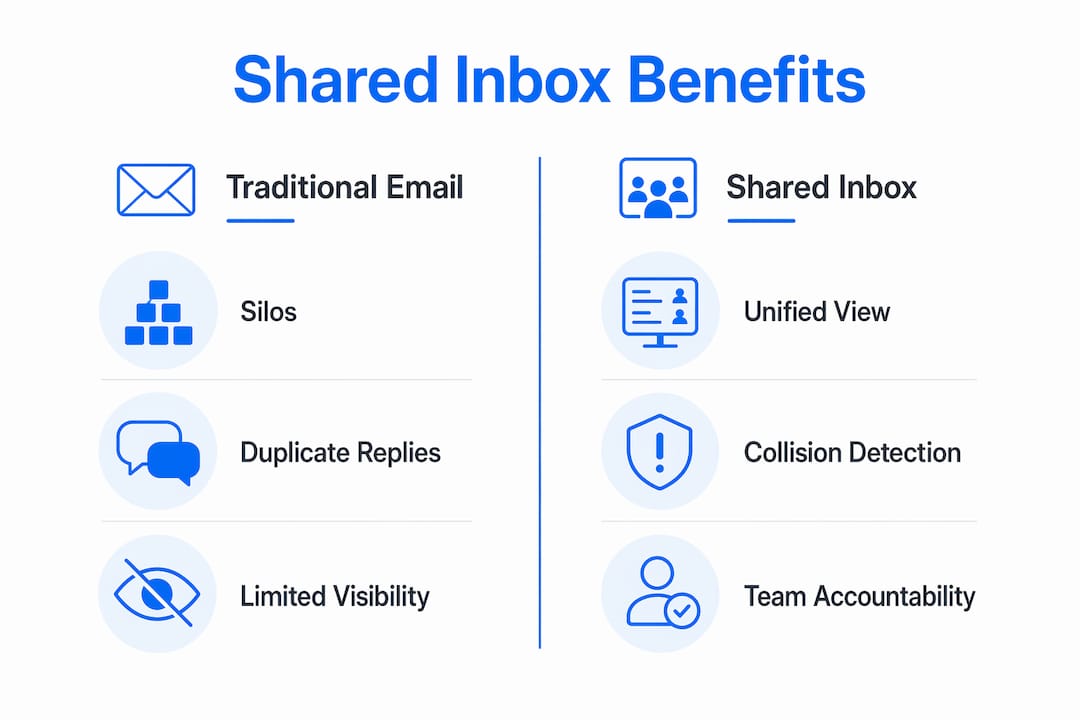
Traditional email creates communication silos by design. When your support@ address is managed by one person, every other team member is blind to what is happening. When it is forwarded to a group, you get a distribution list, not a collaboration tool.
Google Groups function as distribution lists, sending copies of emails to individual inboxes. A shared mailbox, by contrast, is a single inbox that the whole team works from together. The distinction is critical. With a distribution list, two agents can reply to the same email without knowing it. With a shared mailbox, the system prevents that.
Feature | Traditional Email / Distribution List | Shared Inbox |
|---|---|---|
Team visibility | None or limited | Full, real-time |
Duplicate reply risk | High | Low (collision detection) |
Email assignment | Manual, informal | Built-in, tracked |
Accountability | Unclear | Explicit per message |
Multi-channel support | No | Yes (email, chat, social) |
Audit trail | None | Complete history |
The table above shows why shared inboxes outperform both individual inboxes and group distribution lists for small teams. A CRM tool like HubSpot or Salesforce handles customer records well, but it is not designed for real-time email collaboration. A shared inbox fills that gap directly.
What features should small teams look for in a shared inbox?
Not all shared inbox tools are equal. Small teams should prioritize four core features before anything else.
Message assignment. The ability to assign any email to a specific team member with one click. This creates ownership and prevents the “I thought you handled it” problem.
Collision detection. Collision detection provides real-time indicators or locking behavior to prevent two agents from replying to the same message simultaneously. Without this, duplicate replies are inevitable in any busy inbox.
Automatic ticket merging. Unified inbox platforms merge related tickets and group messages by customer across channels, which cuts down on duplicate work and keeps conversation threads clean.
Multi-channel integration. The inbox should pull in email, live chat, and social messages so your team works from one place instead of five.
Beyond features, implementation matters as much as the tool itself. Define roles before you go live. Decide who handles first responses, who escalates, and who closes tickets. Without that structure, a shared inbox becomes just as chaotic as a forwarded email chain.
Scalable inbox workflows for teams show how assigning clear lanes to each team member, combined with status labels like “open,” “in progress,” and “resolved,” keeps everyone aligned without a single meeting.
Pro Tip: Use internal notes (visible only to your team, not the customer) to hand off context when one team member picks up a conversation another person started. This prevents customers from having to repeat themselves.
What happens to small teams without a shared inbox?
The costs of not using a shared inbox are concrete and measurable. Duplicate tickets are the most visible symptom. When a customer emails support@ and also sends a message on Instagram, two separate tickets get created with no connection between them. Concurrent workers racing each other to reply is a documented problem in shared email environments, and the fix requires locking, deduplication, and rate limiting at the system level.
Without those protections, small teams face a predictable set of failures:
Duplicate replies: Two team members send different answers to the same customer within minutes of each other.
Missed messages: An email sits in someone’s personal inbox while they are out sick, and no one else knows it exists.
No accountability: A customer complaint goes unanswered because everyone assumed someone else handled it.
Information overload: Team members switch between email, Slack, and social platforms constantly, losing context with every switch.
Zero transparency: A team leader has no way to see response times, open tickets, or workload distribution without asking each person individually.
Shared inboxes assign clear responsibility for each email, enabling collaboration across support@, info@, and sales@ addresses with explicit ownership. That single change eliminates most of the failures listed above.
The transparency benefit extends to team management. When a team leader can see every open conversation and its status in real time, they can spot bottlenecks before they become customer complaints. That visibility is impossible with individual inboxes.
Key takeaways
Shared inboxes are the most direct fix for the communication failures that slow down small teams, from duplicate replies to invisible workloads.
Point | Details |
|---|---|
Centralized communication | A shared inbox gives every team member full visibility into all customer conversations. |
Collision detection is non-negotiable | Without real-time locking, two agents will inevitably send conflicting replies to the same customer. |
Shared inbox beats distribution lists | Google Groups send copies to individuals; a shared mailbox enables true team collaboration and assignment. |
Define roles before launch | Assigning clear ownership lanes prevents the shared inbox from becoming as chaotic as forwarded email. |
Multi-channel consolidation cuts duplicates | Pulling email, chat, and social into one inbox eliminates the duplicate ticket problem at the source. |
The part most teams get wrong about shared inboxes
I have watched small teams adopt shared inboxes and still struggle, and the reason is almost always the same. They treat the tool as a technical fix instead of a workflow change. They connect the inbox, add everyone as a user, and assume the problems disappear. They do not.
The real value of a shared inbox comes from the structure you build around it. Collision detection only works if your team trusts it and does not override assignments. Ticket merging only helps if someone has defined what “related” means for your specific customer base. The tool provides the rails. Your team has to agree on the direction.
What I find genuinely underrated is the accountability shift. When every email is assigned to a named person, the culture around customer communication changes. People stop assuming someone else will handle it. Response times drop not because the software is faster, but because ownership is clear. That behavioral change is worth more than any feature on a pricing page.
For small business owners choosing between tools, I would prioritize ease of setup and collision detection above everything else. A shared inbox that takes three days to configure defeats the purpose for a team of five. Look for something that connects to Gmail or Microsoft 365 in minutes and handles concurrency out of the box. The AI chatbot team management space is also worth watching if your team handles high-volume repetitive queries, since combining a shared inbox with AI routing can cut first-response time significantly.
The bottom line is this: a shared inbox does not fix a disorganized team. It gives an organized team the visibility and structure to work at their best.
— Nick
Ready to fix your team’s email chaos?
If your team is still managing customer emails through forwarded chains or individual inboxes, the problems described above are already costing you time and customer trust.
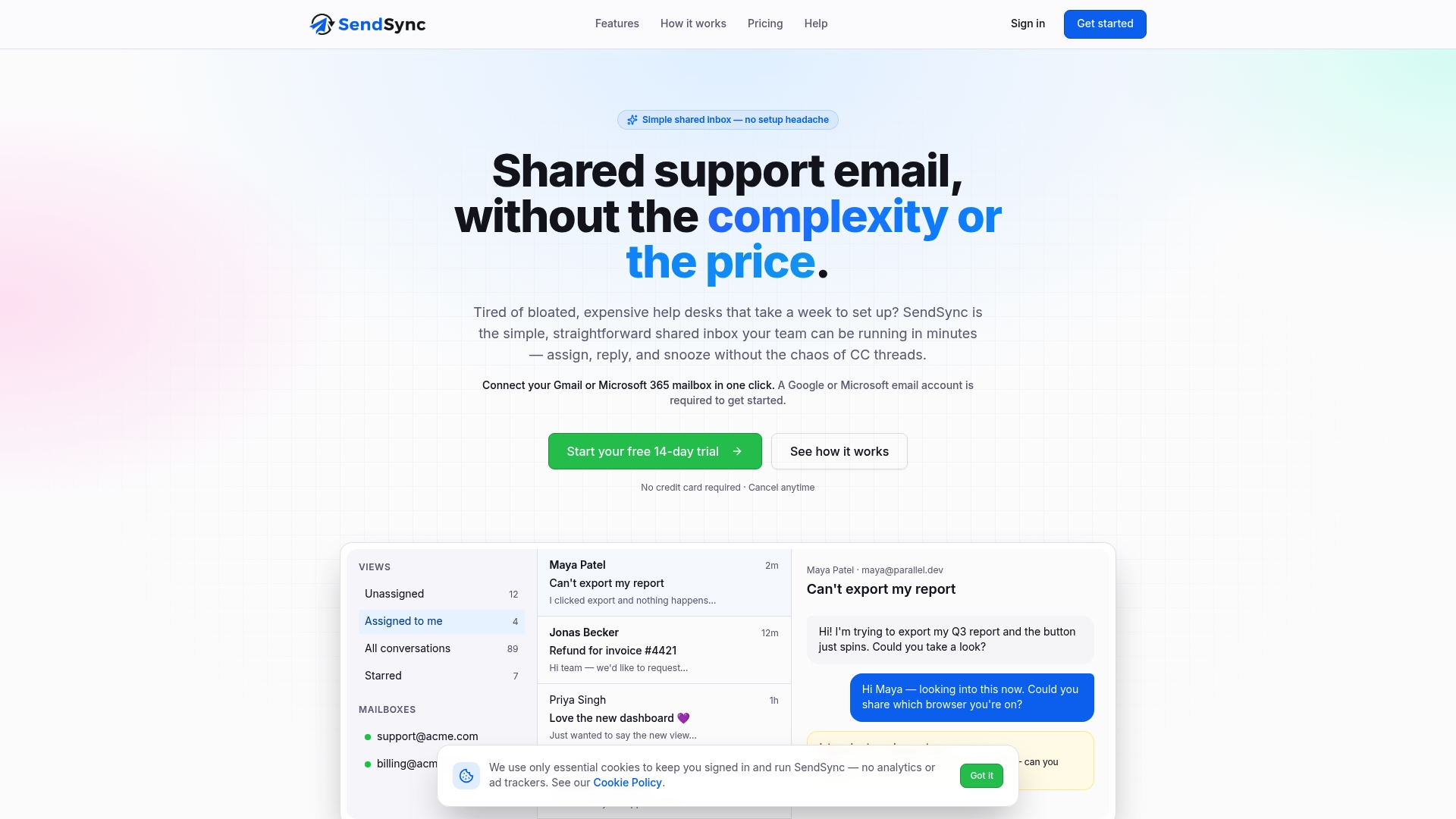
Sendsync is built for exactly this situation. It connects to your existing Gmail or Microsoft 365 mailbox in minutes, with no DNS configuration or complex setup required. Your team gets full collision detection, message assignment, and real-time visibility from day one. Sendsync offers unlimited users with no per-seat fees, which makes it one of the most cost-effective options for small teams that need professional-grade email collaboration without enterprise pricing. Start managing your team’s inbox the right way.
FAQ
What is a shared inbox for small teams?
A shared inbox is a single email address that multiple team members can access, manage, and respond to together from one unified interface. It replaces individual forwarded inboxes with a structured, collaborative workspace.
How does a shared inbox prevent duplicate replies?
Collision detection provides real-time locking or visual indicators so two agents cannot reply to the same message simultaneously. This prevents the conflicting reply problem that occurs when teams use simple forwarding or distribution lists.
What is the difference between a shared inbox and a google group?
A Google Group functions as a distribution list, sending copies of emails to each member’s personal inbox. A shared mailbox is a single inbox the whole team works from together, with assignment, tracking, and collision detection built in.
Can a shared inbox handle messages from multiple channels?
Yes. Unified inbox platforms consolidate messages from email, social media, and live chat into one place, automatically merging related tickets so agents see the full customer conversation without switching between platforms.
Is a shared inbox worth it for a team of two or three people?
A shared inbox is especially valuable for very small teams because accountability gaps are harder to spot at that scale. When only two people share a support address, a single missed email or duplicate reply can damage a customer relationship with no backup system to catch it.