
Top 3 HelloSend.com Alternatives for Email Management 2026
Top 3 HelloSend. com Alternatives for Email Management 2026 !

Managing a high volume of team email with multiple shared inboxes often creates ticket chaos and onboarding headaches. Many shared inbox tools charge per user or require DNS configuration before you can start, which slows deployment and raises costs as your team grows. This comparison highlights cost structure, setup process, and workflow compatibility so you can pick a HelloSend.com substitute that fits your team’s support needs and budget.
Table of contents
Sendsync
At a glance
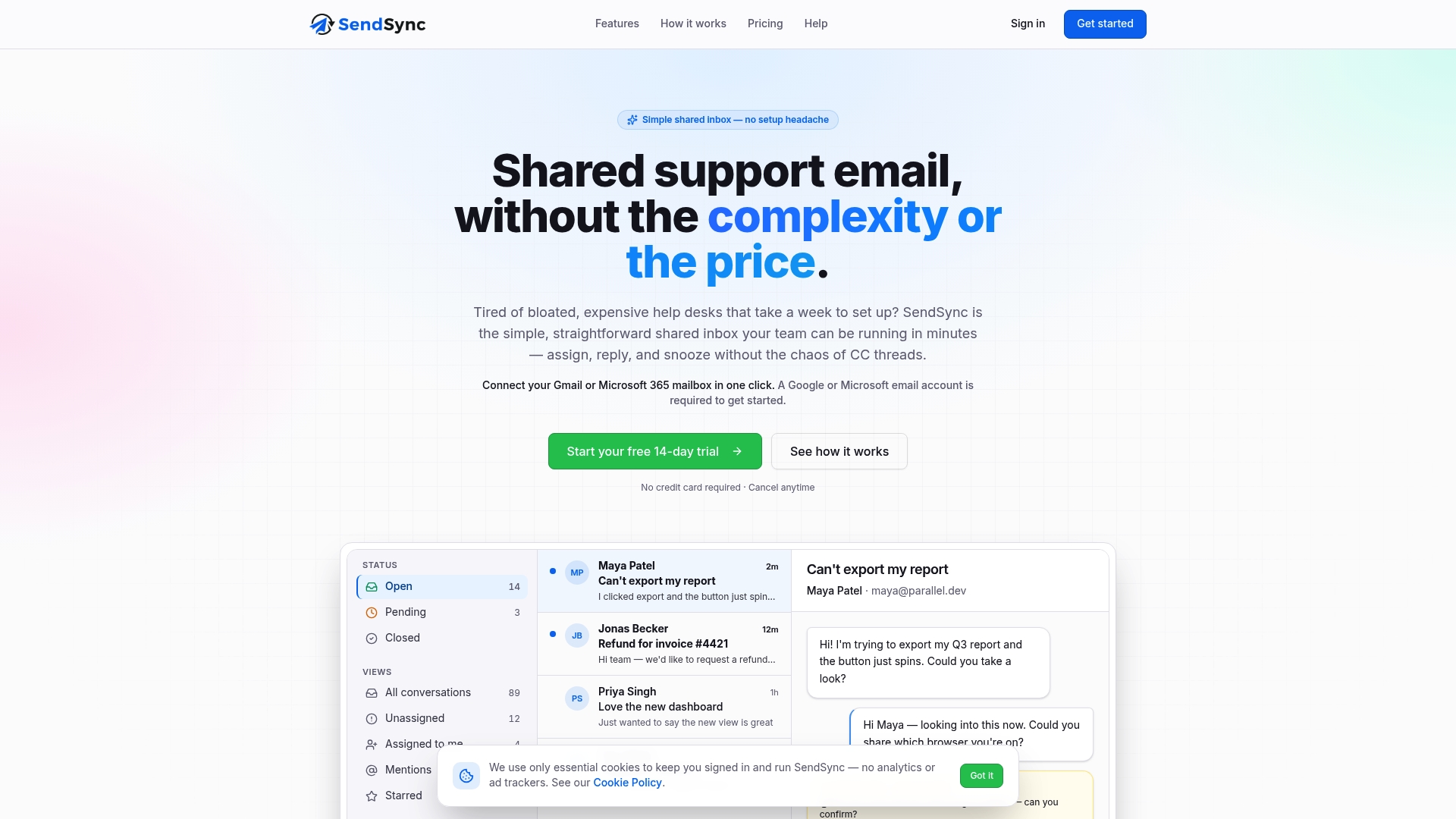
One-click connection to Gmail or Microsoft 365 requires no DNS or SPF setup and gets teams running in minutes. According to the company, key results include enhanced response times and reduced workload. SendSync uses a single shared inbox model to remove setup friction and reduce mailbox chaos.
Core features
SendSync delivers one shared inbox that connects directly to Gmail or Microsoft 365 mailboxes without DNS work. It includes automatic routing, tagging, and assignment with a visual rule builder for common workflows. The product supports tags and saved views, internal notes and mentions, and role based permissions on scaled plans. Real time analytics and dashboards track response times and team load. The service offers automation, a quick setup with no DNS configuration, and a 14 day free trial with no credit card required.
Key differentiator
No DNS or SPF configuration is required to connect support mailboxes, which removes a common setup blocker. Pricing uses a flat rate with unlimited users, so you do not pay per seat as your headcount grows. That combination shortens onboarding and keeps predictable costs as teams scale.
Pros
Simple setup: One click to link Gmail or Microsoft 365 removes DNS steps. Teams can start triaging messages within minutes.
Flat rate pricing: Plans include unlimited users and no per seat fees. That model lowers administrative overhead for growing teams.
Automation and analytics: Built in routing rules and dashboards surface response time and team load. You can reduce manual work and monitor capacity without a separate BI tool.
Focused feature set: The interface concentrates on core support tasks such as assign, reply, snooze, and tags. That keeps the product easy to use for high volume email support teams.
Cons
Limited advanced workflow and integrations beyond Gmail and Microsoft 365 may frustrate teams needing deep ticketing features or many third party connectors.
Who it’s for
Support teams and small businesses that want an affordable shared inbox and fast time to value. Operations teams that do not need complex ticket routing or a large set of third party integrations will benefit most. Teams that prefer paying a predictable monthly fee instead of per user will also find this a fit.
Unique value proposition
Unlimited users on flat rate plans removes per seat fees and simplifies budgeting for expanding teams. That pricing, combined with no DNS configuration, reduces the work needed from IT during rollout. The net effect is lower onboarding friction and fewer billing surprises for customer support groups.
Real world use case
A tech startup connects several Gmail support addresses to SendSync and builds routing rules for billing and technical inquiries. Agents use saved views and internal notes to hand off conversations without forwarding. The team tracks response time on dashboards to keep service levels steady as ticket volume rises.
Pricing
Plans start at $10/month for solo users. Paid tiers include Founder at $10, Starter at $30, Growth at $80, and Scale at $200 per month. All paid plans include unlimited users and no per seat fees.
Website: https://sendsync.com
SupportBee
At a glance
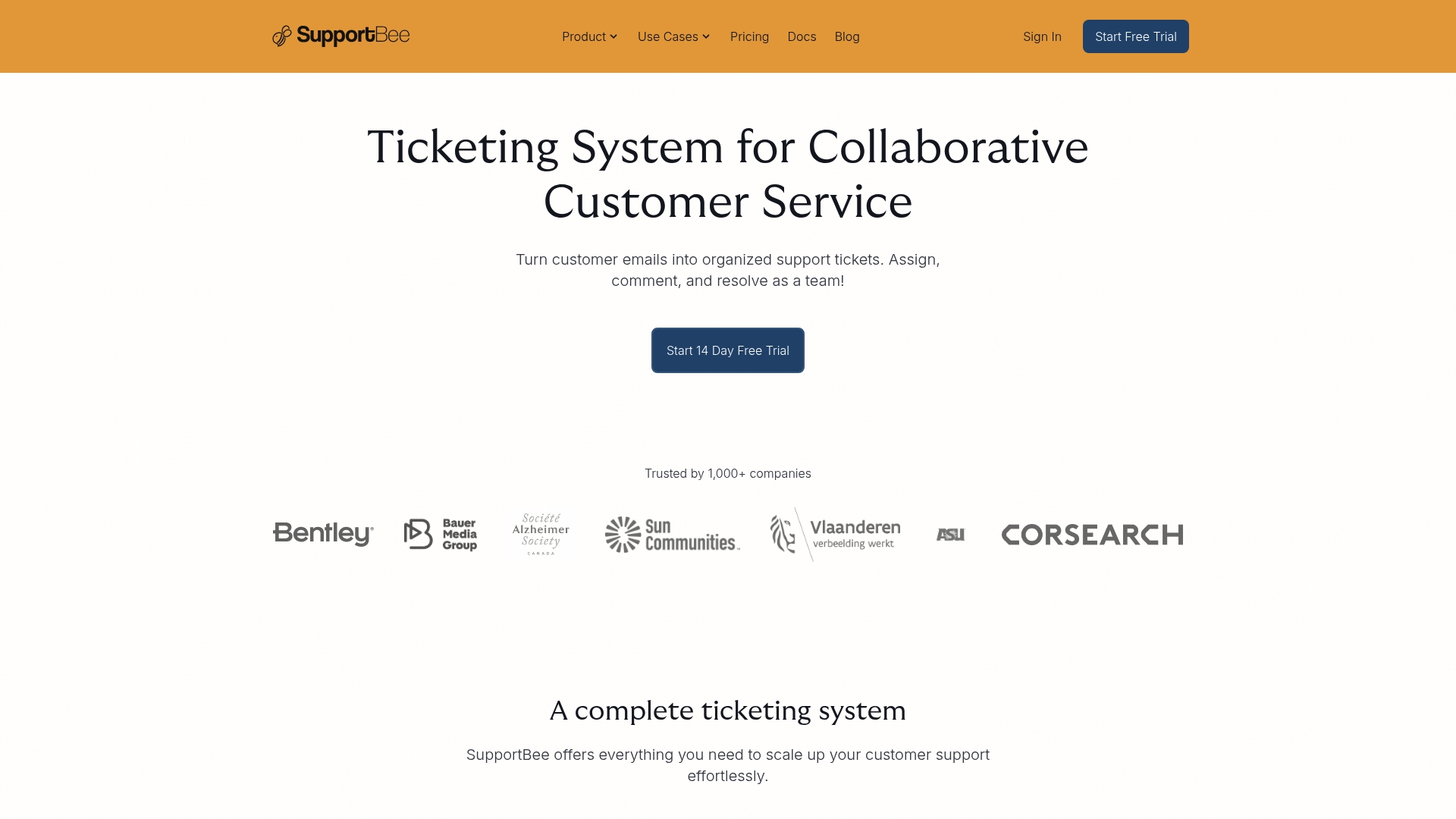
SupportBee starts at $17/user/month billed annually. The price point makes it a clear choice for small teams that need a full ticketing tool without heavy setup. It pairs a shared inbox with an integrated knowledge base called KBee. The setup emphasis keeps onboarding short for teams that already use email workflows.
Core features
SupportBee focuses on a handful of practical support tools that small teams use every day.
Shared inbox for team collaboration and assignment
Integrated knowledge base called KBee for self service articles
Customer portal for request tracking and submitting
Ticket management with comments, snippets, and filters
Automation features including auto responders and basic integrations with productivity tools
Key differentiator
SupportBee centers on an email like interface plus a bundled knowledge base and simple automation. That design reduces the learning curve for teams moving from email. Compared with Sendsync, SupportBee targets teams that prefer familiar inbox workflows instead of a razor thin shared inbox and extreme setup simplicity. SupportBee suits teams that want inbox style handling with a light set of automation tools.
Pros
Lightweight interface and quick onboarding. Small teams get productive without long training.
Integrated knowledge base with the ticketing view. Agents can link articles while replying to tickets.
Shared inbox improves accountability. Assignment and private comments keep internal context visible.
Cost effective for startups and solo operators. The pricing tiers start low and scale upward.
Integrations with common tools. Connecting Slack, Notion, and accounting or CRM tools reduces copy and paste.
Cons
The UI can feel outdated. Some workflows require more clicks than expected.
Message threading is hard to scan quickly. That slows agents during high volume periods.
Advanced client portal features sit behind higher tiers. Smaller teams pay more to unlock that functionality.
Social media and multi channel support are limited in standard plans. You may need add on tools for those channels.
When it may not fit
SupportBee may not fit teams that need a modern interface and fast thread scanning. If you rely on social inboxes or chat first support, this product will feel constrained. Large enterprises that need enterprise grade client portals or broad channel coverage will find standard tiers limiting.
Notable integrations
Slack
Notion
QuickBooks
Pipedrive
GitHub
Trello
Basecamp
Who it’s for
SupportBee fits small to medium support teams, law and accounting firms, startups, and solo entrepreneurs. It suits teams that prefer email like handling of tickets and want a built in knowledge base. It also works for teams that need straightforward automation without heavy IT involvement.
Real world use case
A small law firm uses SupportBee to centralize client messages in a shared inbox. The team assigns cases, uses private comments for internal notes, and links KBee articles for routine procedures. Clients track progress in the portal while the firm keeps setup and training time minimal.
Pricing
Pricing starts at $17/user/month billed annually and $20/user/month billed monthly. Higher tiers add the client portal and advanced integrations. The model charges per user and scales by feature set.
Website: https://supportbee.com
Gmelius

At a glance
Built in AI assistants automate drafting, sorting, scheduling, and follow up directly inside Gmail. That capability moves routine email work out of manual steps and into rules and suggestions you can apply across team mailboxes.
Gmelius focuses on keeping collaboration inside the Gmail interface so teams do not have to hop between apps to manage shared email workloads.
Core features
Gmelius combines shared team mailboxes with automation and analytics to keep Gmail as the single hub for email work.
AI email drafting and responses for faster reply creation.
Shared inboxes and draft sharing so team members can collaborate on messages.
Email sorting and classification with AI to route messages and reduce manual tagging.
Meeting scheduling and calendar management using Google Calendar and Meet.
Email analytics and reporting dashboard that tracks response times and workload trends.
Key differentiator
The central differentiator is the embedded AI assistants that act inside the Gmail environment. They generate drafts, suggest follow ups, and classify incoming messages so teams spend less time on routine tasks. This design keeps automation and collaboration where most teams already work, inside Gmail.
Pros
Seamless integration with Gmail and Google Workspace keeps work inside a single inbox. That reduces context switching for teams who already use Google apps.
Strong collaboration features like shared inboxes, draft sharing, and team annotations help support or sales teams coordinate replies.
Time saving tools such as AI drafting, auto scheduling, and follow up reminders reduce repetitive tasks and speed reply cycles.
Automation rules support routing, tagging, and SLA tracking to assign and escalate messages based on simple conditions.
The analytics dashboard provides visibility into response metrics so managers can measure workload and service speed.
Cons
Some users report slow loading times and performance problems that interrupt workflow during busy periods.
Search functionality can feel sluggish or less effective for complex queries.
Mobile app features are less complete and can lag compared to the desktop Gmail experience.
The platform has a learning curve for teams new to advanced email workflows and automation rules.
When it may not fit
Teams that need a lightweight mobile-first solution will find the mobile feature set limiting. Organizations that require instant search across large archives may hit the reported search slowdowns. If your team prefers a separate help desk outside Gmail, this Gmailcentric approach may not match your workflow.
Notable integrations
Gmail
Google Workspace
Google Calendar
Google Meet
Salesforce
HubSpot
Slack
Trello
Who it’s for
Gmelius suits small and midsize teams using Google Workspace that want to keep collaboration inside Gmail. It appeals to support, sales, and operations teams that need shared mailboxes, rules-based routing, and analytics without adopting a separate help desk.
Real world use case
A support team operating multiple addresses like support@ and billing@ can use shared inboxes, automation rules, and the analytics dashboard to assign tickets, auto tag inquiries, and measure response time. That setup clarifies ownership and reduces missed messages.
Pricing
Paid plans start at $19 per user/month for the Meli tier. Gmelius offers tiered Growth, Pro, and Enterprise plans that add features and scale for larger teams. Free trials are available for every plan.
Website: https://gmelius.com
Comparison of alternatives
When evaluating shared email inbox solutions, various options cater to different operational needs and team dynamics. Understanding each platform’s unique strengths helps teams choose the ideal tool for their specific requirements.
Setup and onboarding
SendSync offers a streamlined onboarding experience that eliminates DNS or SPF configuration, allowing teams to get started almost immediately. This practicality greatly benefits small to midsize teams wishing for rapid implementation. In contrast, SupportBee offers simple onboarding emphasizing an email-like interface, suitable for users transitioning from traditional email workflows but involves deeper feature exploration. Gmelius, tightly integrated within Gmail, provides a familiar starting point for Google Workspace users but may involve a learning curve due to its AI and advanced automation features.
Price models
SendSync’s flat rate pricing accommodates unlimited users per tier, ensuring predictable costs for expanding teams. This structure distinguishes it from SupportBee’s per-user pricing, which can prove costlier as team size increases, particularly for feature-locked lower tiers. On the other hand, Gmelius applies a per-user/month model, presenting value for smaller teams seeking rich Gmail integration but potentially escalating costs for larger setups.
Best fit
For teams needing a rapid setup with minimal dependencies, SendSync is a choice due to its no DNS setup requirement and cost-effective user scaling.
For teams prioritizing Gmail integration and workflow automation, Gmelius excels with its embedded AI features and Gmail-centric tools.
For businesses requiring a bundled knowledge base with shared inboxes, SupportBee offers a combined solution that streamlines self-service article management alongside ticket handling.
Our pick
For teams needing quick onboarding coupled with scalable pricing devoid of per-user fees, SendSync emerges as the top choice. Its flat-rate pricing assures predictable costs regardless of team growth, and the elimination of DNS setup simplifies integration. However, for teams whose operations heavily depend on Gmail workflows or desire built-in knowledge base capabilities, exploring Gmelius or SupportBee, respectively, could provide better results.
SendSync’s innovative approach to shared inbox management simplifies operations for distributed teams, turning email handling into a streamlined workflow.
Product | Core Features | Key Differentiator | Best For | Pricing | Limitation |
|---|---|---|---|---|---|
SendSync | Shared inbox, automation, analytics, unlimited users | Easy setup without DNS/SPF, flat-rate per team | Teams scaling with predictable pricing | Starts at $10/month | Limited advanced workflows beyond Google and Microsoft |
SupportBee | Shared inbox, knowledge base, customer portal | Bundled KBee for self-service | Small teams needing a knowledge base | $17/user/month annually | Outdated UI, limited social channel support |
Gmelius | AI-driven replies, team collaboration, Gmail-centric | AI assistants within Gmail for workflow automation | Google Workspace teams simplifying email workflows | Starts at $19/user/month | Learning curve for automation setup |
Simplify your email support with Sendsync
Are you exploring hellosend.com alternatives that promise faster setup and clear communication? Many teams struggle with DNS setup and per-user pricing that slows onboarding and inflates costs. Sendsync solves these challenges by offering a razor-thin shared inbox that connects Gmail or Microsoft 365 without complex configuration. With unlimited users on flat-rate plans, Sendsync reduces mailbox chaos and improves response times while keeping expenses predictable.
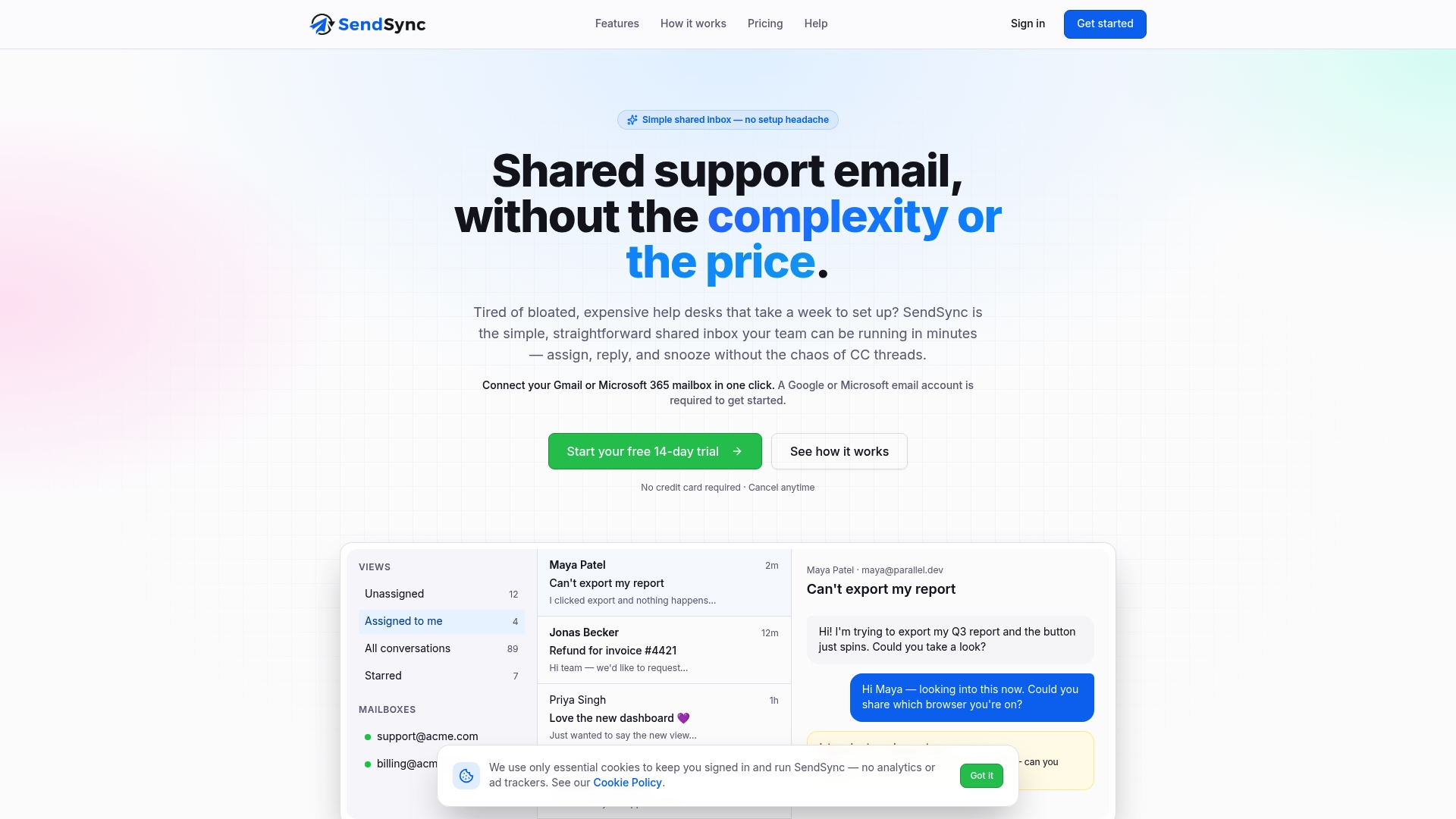
Discover how Sendsync can transform your team’s workflow in just minutes. Visit Sendsync to set up your shared inbox effortlessly, assign conversations smoothly, and monitor team load with real-time analytics. Act today to reduce your support workload and sharpen collaboration without technical hurdles.
FAQ
What makes Sendsync a good choice for shared inbox management?
Sendsync offers a simple one-click setup for Gmail or Microsoft 365, allowing teams to start managing their inboxes almost immediately. Its key features include automatic routing, tagging, and a shared inbox model that reduces email chaos and enhances response times.
How does SupportBee compare to Sendsync in terms of user experience?
SupportBee offers a lightweight interface designed for quick onboarding and ease of use, which is especially beneficial for small teams transitioning from email workflows. While Sendsync provides a shared inbox model without the need for DNS setup, SupportBee excels with its integrated knowledge base, enabling enhanced article linking during ticket replies.
Which platform is better for automation features, Sendsync or gmelius?
Sendsync provides built-in automation and real-time analytics, focusing specifically on shared inboxes without requiring DNS work. Gmelius, on the other hand, features AI assistants for drafting and sorting emails within Gmail, making it ideal for teams looking to keep their email tasks centralized within that platform.
Can smaller teams expect predictable pricing with Sendsync?
Yes, Sendsync offers flat rate pricing that includes unlimited users without per seat fees, simplifying budgeting as the team grows. This structure helps remove financial surprises, making it an attractive option for small businesses.
What kind of team should consider using Sendsync?
Sendsync is designed for support teams and small businesses looking for an affordable shared inbox solution with fast onboarding and easy management. Teams not requiring advanced ticketing features or deep third-party integrations will find Sendsync particularly beneficial.